
How TrafficCatch works
TrafficCatch installs on a website, collects allowed first-party signals, processes them server-side, creates or matches a pseudonymous TCID, and connects visitor activity into one measurable journey.
Traditional analytics often treats visits as disconnected sessions. TrafficCatch adds an identity layer underneath analytics so a website can understand returning behavior, attribution paths, session activity, funnel movement, event completion, and traffic quality with better continuity.
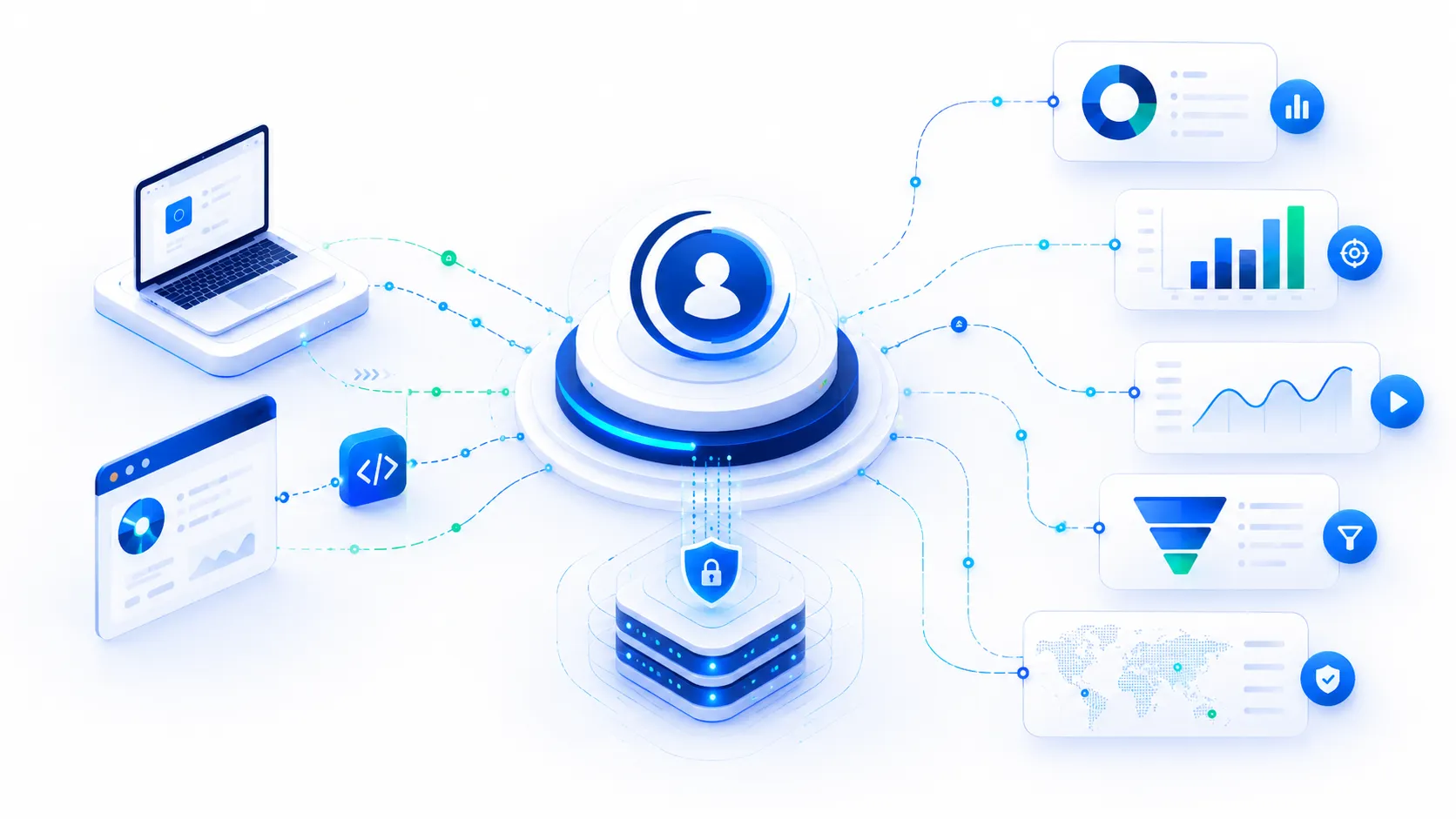
From website visit to identity-powered analytics
The TrafficCatch identity flow is designed to be simple, reliable, and privacy-conscious.
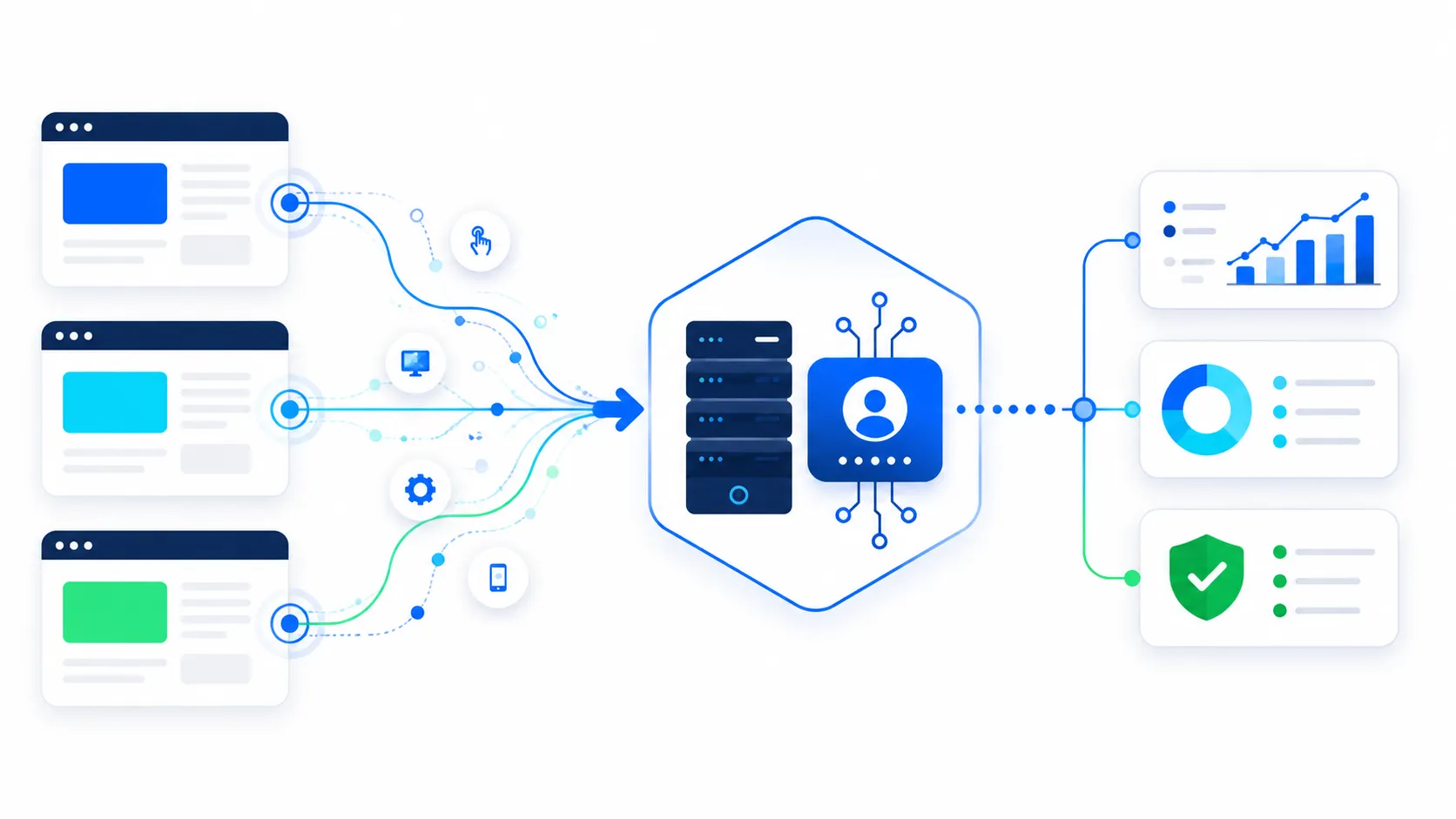
Install the script
A customer adds the asynchronous TrafficCatch script to their website to support visitor identification.
Collect signals
TrafficCatch collects browser, device, network, rendering, and timing signals that help create a profile.
Send to API
Signals and visit details are sent to the TrafficCatch server for processing securely.
Hash and normalize
TrafficCatch processes identifiers server-side and uses hashing to reduce raw data exposure.
Create or match TCID
The identity engine checks for exact and confidence-based matches to link the visit to a profile.
Power modules
Visits, pageviews, events, and funnels attach to the TCID and become visible in the dashboard.

Start with a first-party website script
TrafficCatch starts when the website loads the TrafficCatch script. The script records visit information, collects allowed device and browser signals, supports session recording, and accepts custom events from the page through a JavaScript API.
Collect signal categories that help recognize the device
TrafficCatch uses multiple categories of signals to support pseudonymous device recognition. These can include browser environment, hardware and rendering traits, network and transport indicators, font and rendering probes, behavioral timing, and API feature support flags.

Process identity logic server-side
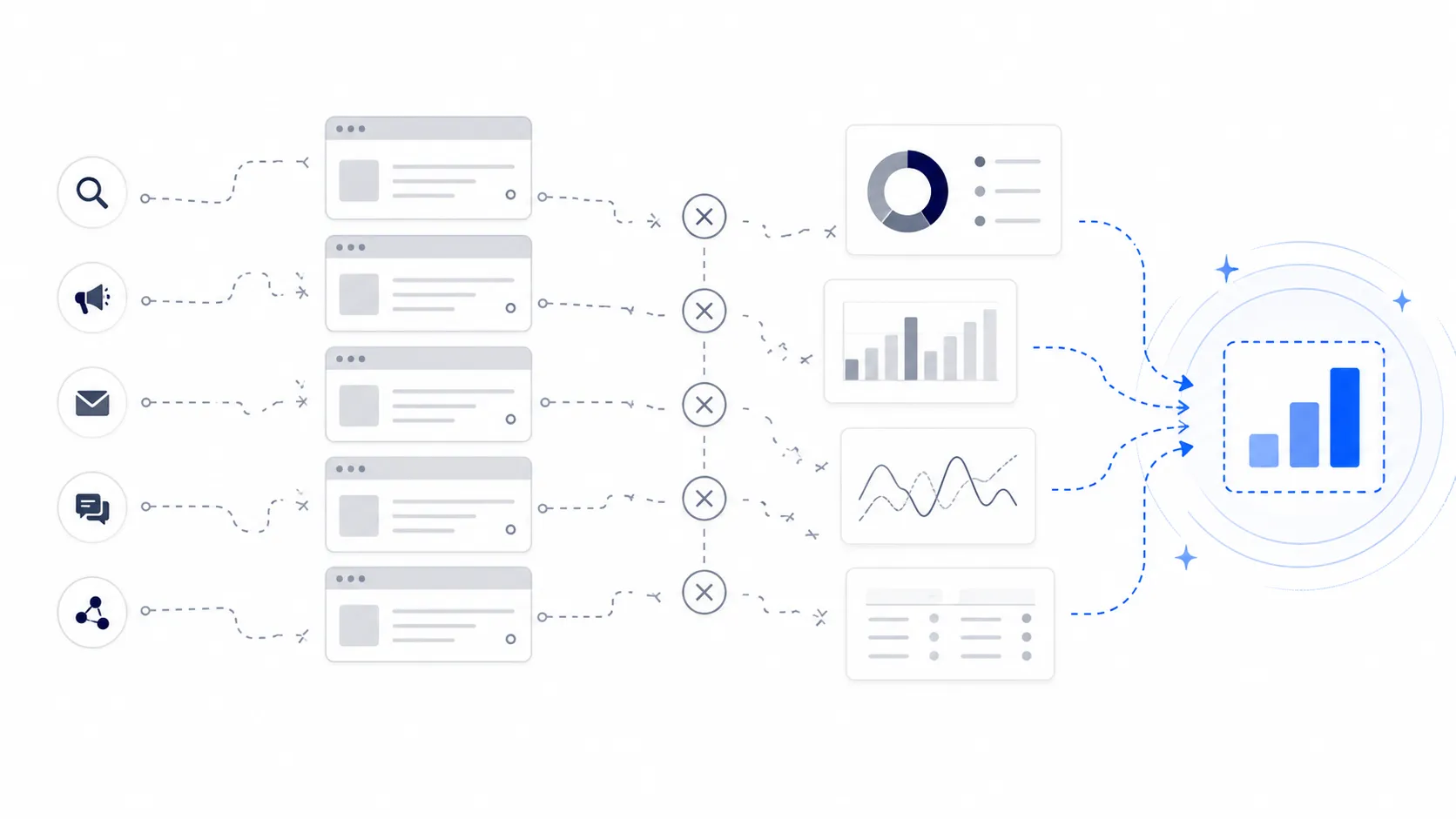
TrafficCatch processes signals on the server instead of relying only on browser cookies. Hashing and normalization help convert raw signal sets into safer, more consistent identifiers used for matching and visitor intelligence.
Server-side processing gives TrafficCatch a more resilient foundation for visitor intelligence. It also creates a cleaner place to apply controls, scoring, matching rules, retention settings, and future compliance workflows.
Create or match a TrafficCatch ID
The TrafficCatch ID, or TCID, is a pseudonymous device-level profile used to group website activity. When a device visits, TrafficCatch checks whether the signal set matches an existing TCID. If it does, the visit attaches to the existing journey. If it does not, a new TCID is created.
Build a pseudonymous identity graph
Once TrafficCatch creates or matches a TCID, the visitor profile can accumulate visit history, pageviews, source information, device details, recordings, events, goals, funnels, and fraud scores. Over time, the profile becomes more useful for understanding real visitor journeys.
Built for measurement, not personal identification
TrafficCatch is designed for pseudonymous visitor intelligence. It does not need to identify a person by name to help businesses understand returning behavior, attribution paths, session activity, funnel drop-off, and traffic quality.
The correct positioning is clear: TrafficCatch improves measurement continuity, but it should be implemented with proper consent settings, privacy policy disclosure, masking rules, retention limits, and customer-side compliance review.
Technical FAQ
Does TrafficCatch rely only on cookies?
No. TrafficCatch is designed around first-party signal collection and server-side identity processing, not cookie-only recognition.
What is a TCID?
A TCID is a pseudonymous TrafficCatch ID used to group anonymous website activity under a device-level visitor profile.
Can TrafficCatch identify a person by name?
Not by default. TrafficCatch creates pseudonymous device intelligence. Named identity only happens if a customer separately provides consented first-party data.
Does TrafficCatch support session replay?
Yes. TrafficCatch can capture session behavior and replay it with timeline and metadata, while sensitive inputs should be masked.
Does TrafficCatch support fraud detection?
Yes. TrafficCatch can assign fraud score bands such as Trusted, Suspect, and Fraud based on risk indicators.
See the identity flow live
The easiest way to understand TrafficCatch is to watch a new visit become a TCID, then see that profile connect to visitor history, session behavior, events, funnels, and fraud intelligence.